HIII and welcome back to my blog. I was recently looking at my blog posts earlier and realized that people seem to view my blogs about painting and drawing a lot. So I’d figure that I do another one and since Christmas is coming soon, I’d do one that’s Christmas themed. So I thought to myself, “ what things can you find in Christmas that is easy to draw or paint?”, and I decided on a Christmas tree. The app that I’m using is Autodesk Sketchbook and it’s free if you want to download it.
- Starting of with the first layer, I do a quick sketch. I do this with the primary pencil tool with a light blue color. I use the symmetry tool to draw the tree and the star at the top.
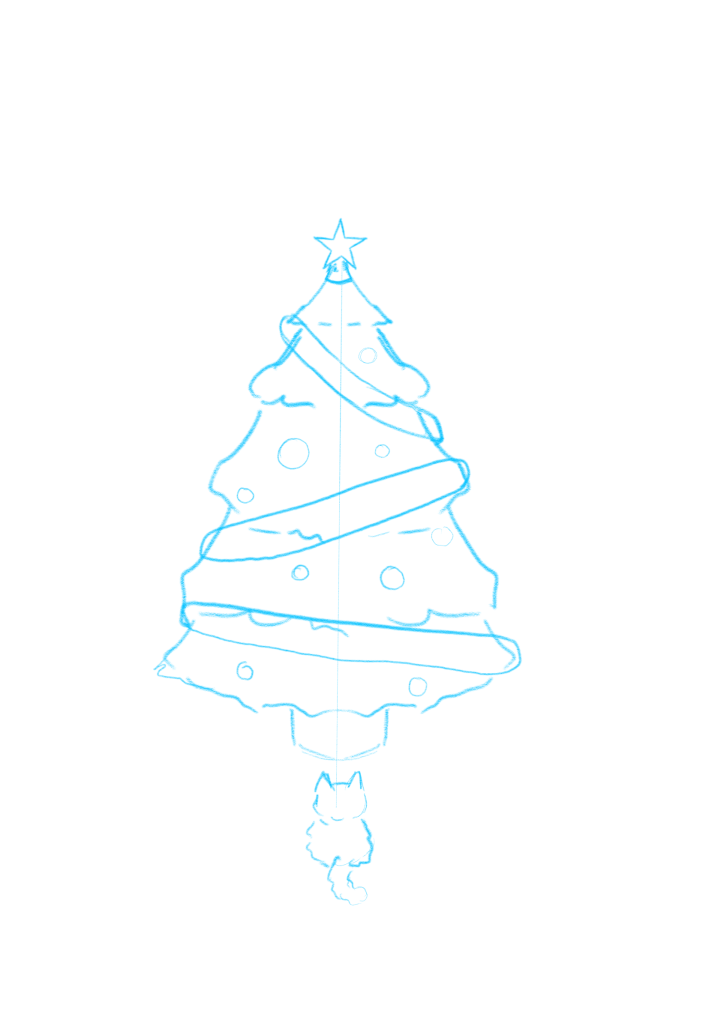
2. After that, I add a new layer and color in the tree ( only the tree) green… because this specific type of tree is green. Then, I add in a more darker green for its shadows on the same layer. For the base color, used the Paintbrush tool to color, and for the shadows, I used the Signature Ink tool. Make sure this layer is on top of the sketch layer and set the sketch layer’s opacity to about 25%, so that you can see which parts you could color.
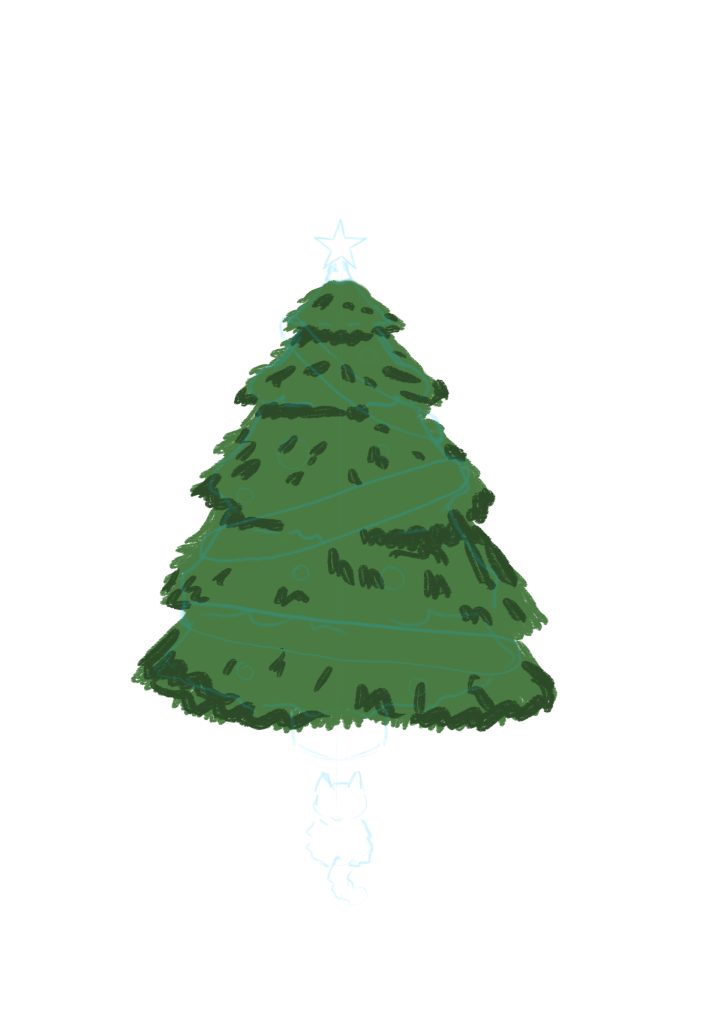
3. Once that is done, I add in some snow with the Paintbrush tool. I also add a light grey color for the shadows. This is all done in a new layer.
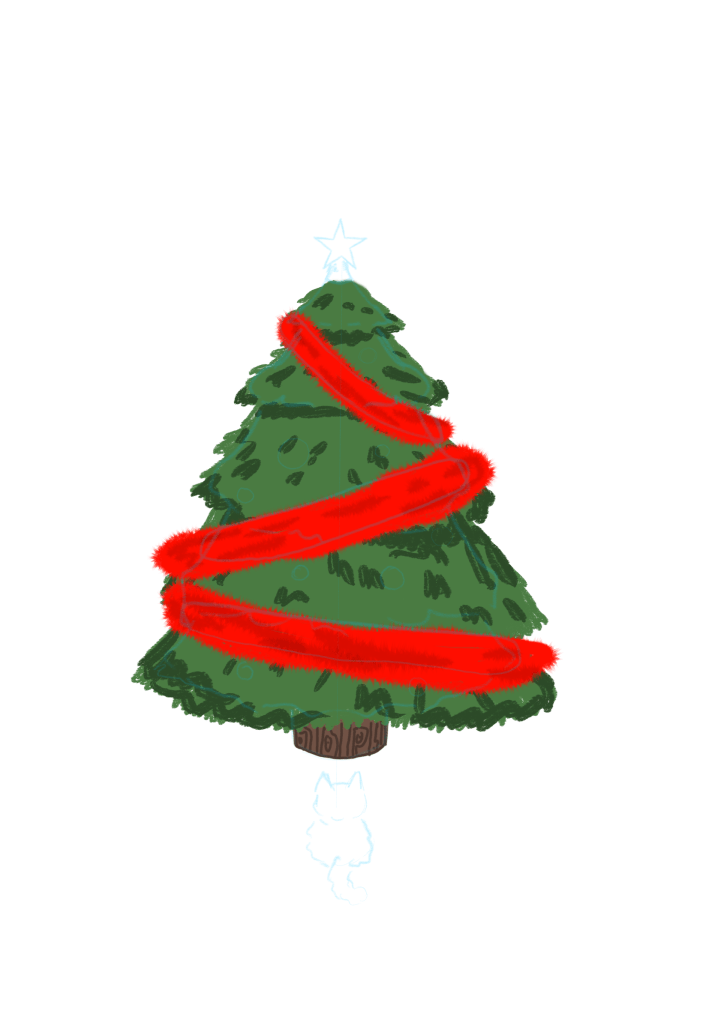
4. Then, I add a new layer; I paint in the Christmas tree streamers and paint those with the Paintbrush tool. Also add in shadows with a darker color. Then I select the Abstract 1 tool and outline the streamers with the same color. This makes the streamer look more like a streamer 😂.
5. Next, I add in another layer and the other ornaments and color them in with random colors. Since, I’m lazy, I have just put in basic colors: red, blue, green. Don’t forget to color in the star on top. Color the shadows of your ornaments a darker color and add this layer before the Christmas tree streamers layer.
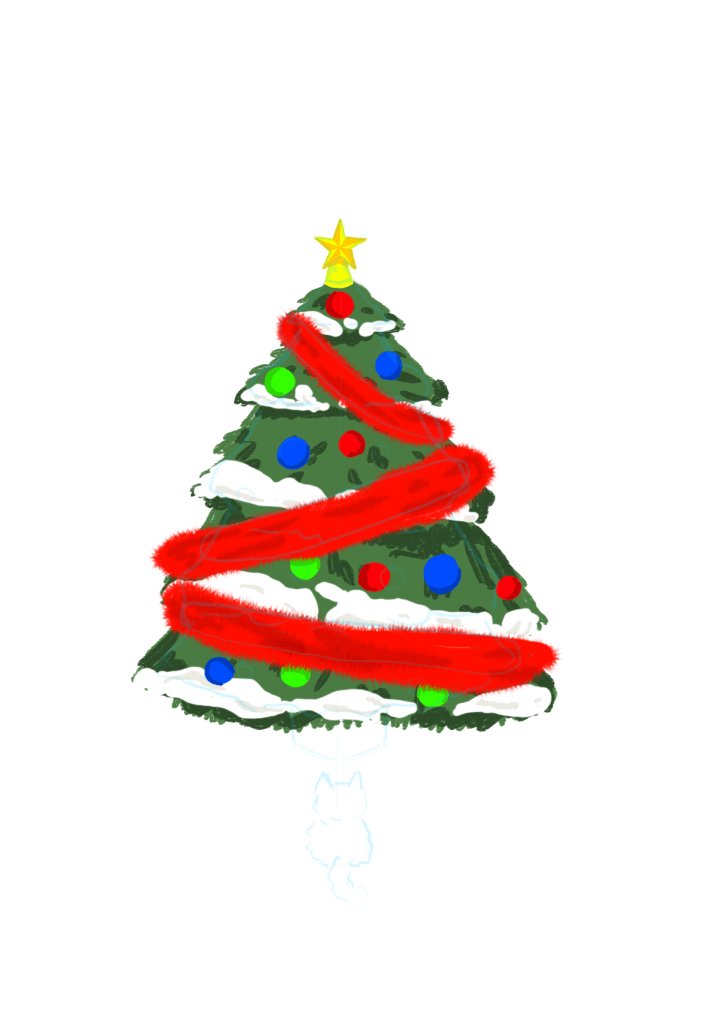
6. Again (for the 100th time) I add in a new layer and set the blending mode of your layer to Color Dodge. This allows your painting to have highlights.
7. Then, in a new layer, I outline the tree and the things on it with the Signature Ink tool with a black color. For the streamers however, I select the Abstract 1 tool and outline it using that.
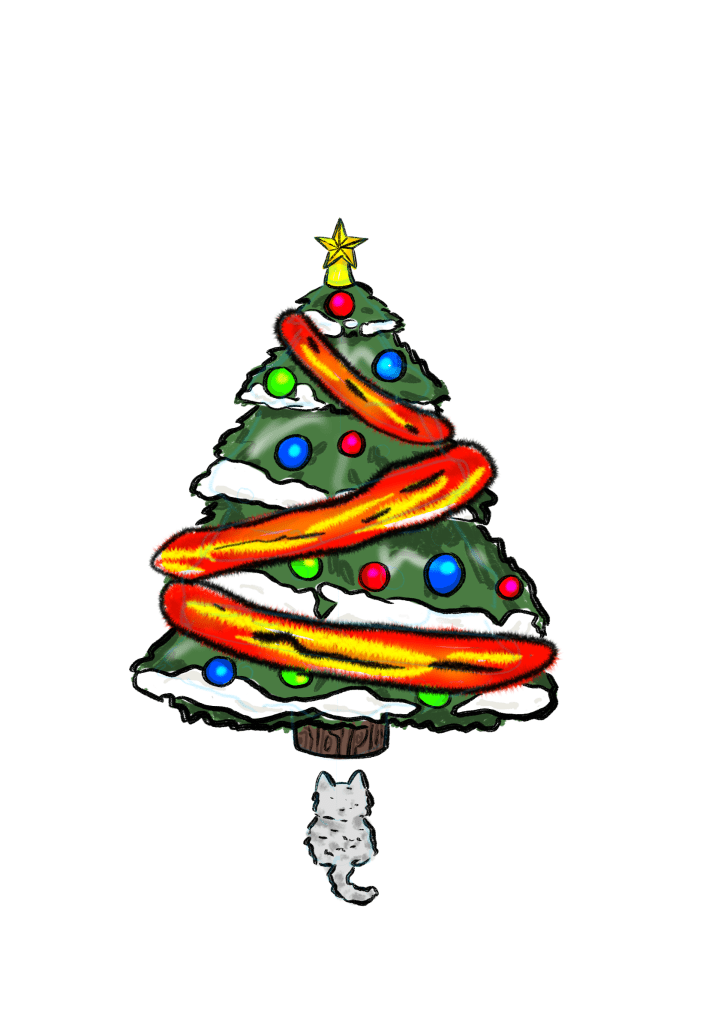
8. I almost forgot to talk about the kitty! For the kitty, I add in a light grey color and paint it with the Brush 4 tool. I also add in some darker colors for shadows and I outline it in the same layer I outlined the tree.
9. For the background,I have decided on not doing the whole thing and just sort of crop it. So, I add in a new layer below where I started painting the tree and I paint outside of the tree white with the Paintbrush tool. But before that, make sure you change the background color ( the first thing you see in the layers window). For this painting, I decided to go with a dark blue.
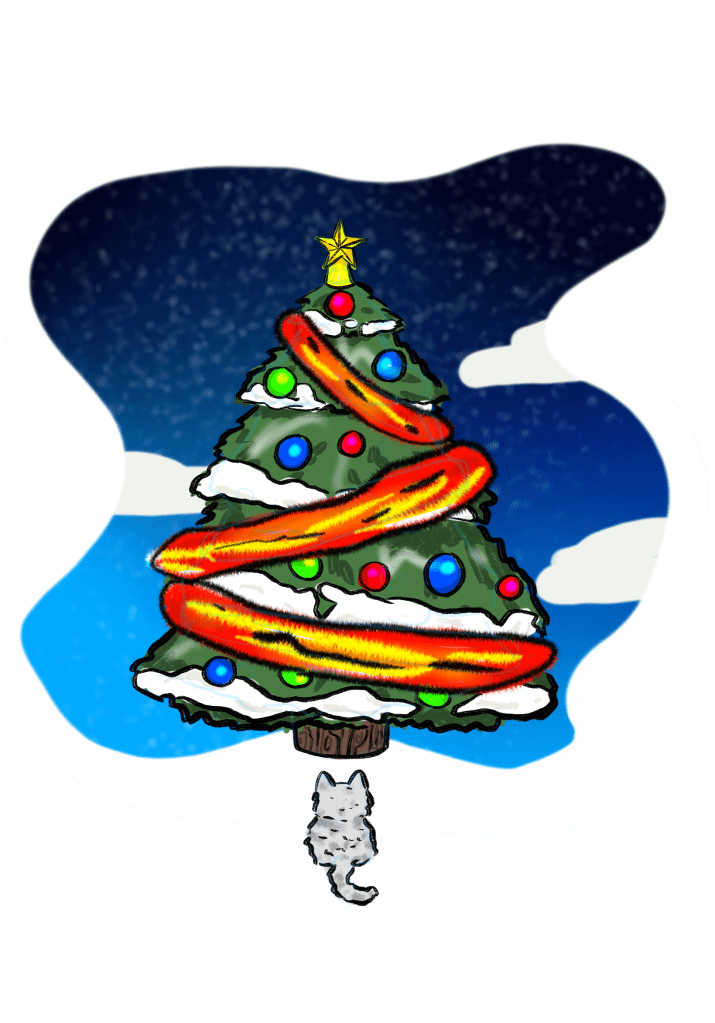
10. I color in the background a black color on the top and a light blue color on the bottom. Then, I blend it altogether. Then I add in clouds that are slightly darker than white so that it doesn’t blend in with the outer white space. For the snow, I select the Dotted 2 tool and set it to its biggest size, and I paint the background.
And we are done! Thank you so much for reading this blog and stay tuned for the next blog. BAIIII!!!!!🤗🤗🤗
 Le Flamango